Safari caps page rendering updates to 60fps by default — even on ProMotion displays. To unlock 120fps, open Safari → Settings → Feature Flags and uncheck Prefer Page Rendering Updates near 60fps.
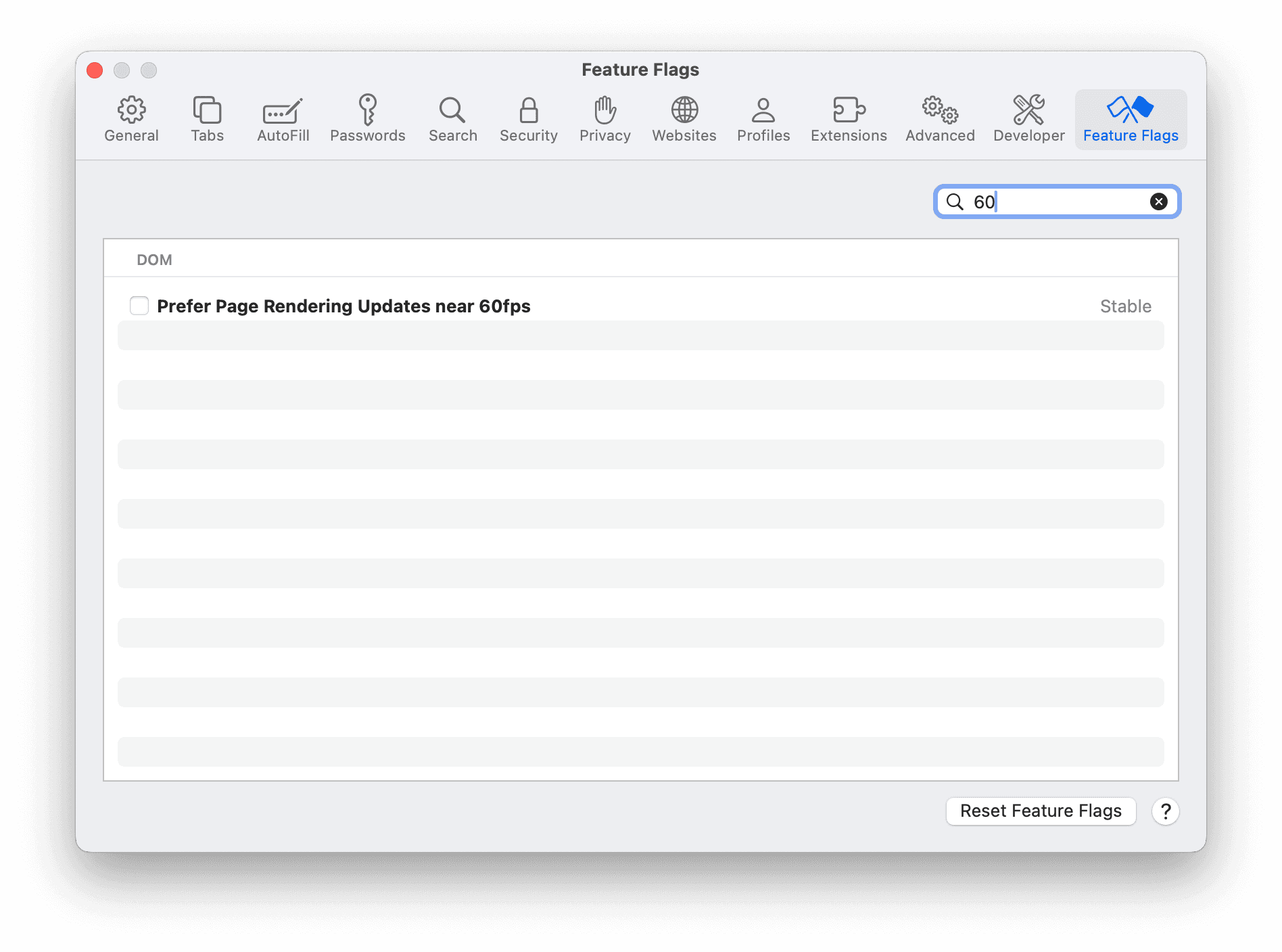
CSS animations, JS-driven animations, and view transitions will feel noticeably smoother.
Note: Scrolling is already 120fps regardless of this flag. It only limits rendering updates — animations and transitions — to 60fps.
The same flag exists on iOS and iPadOS under Settings → Safari → Advanced → Feature Flags.