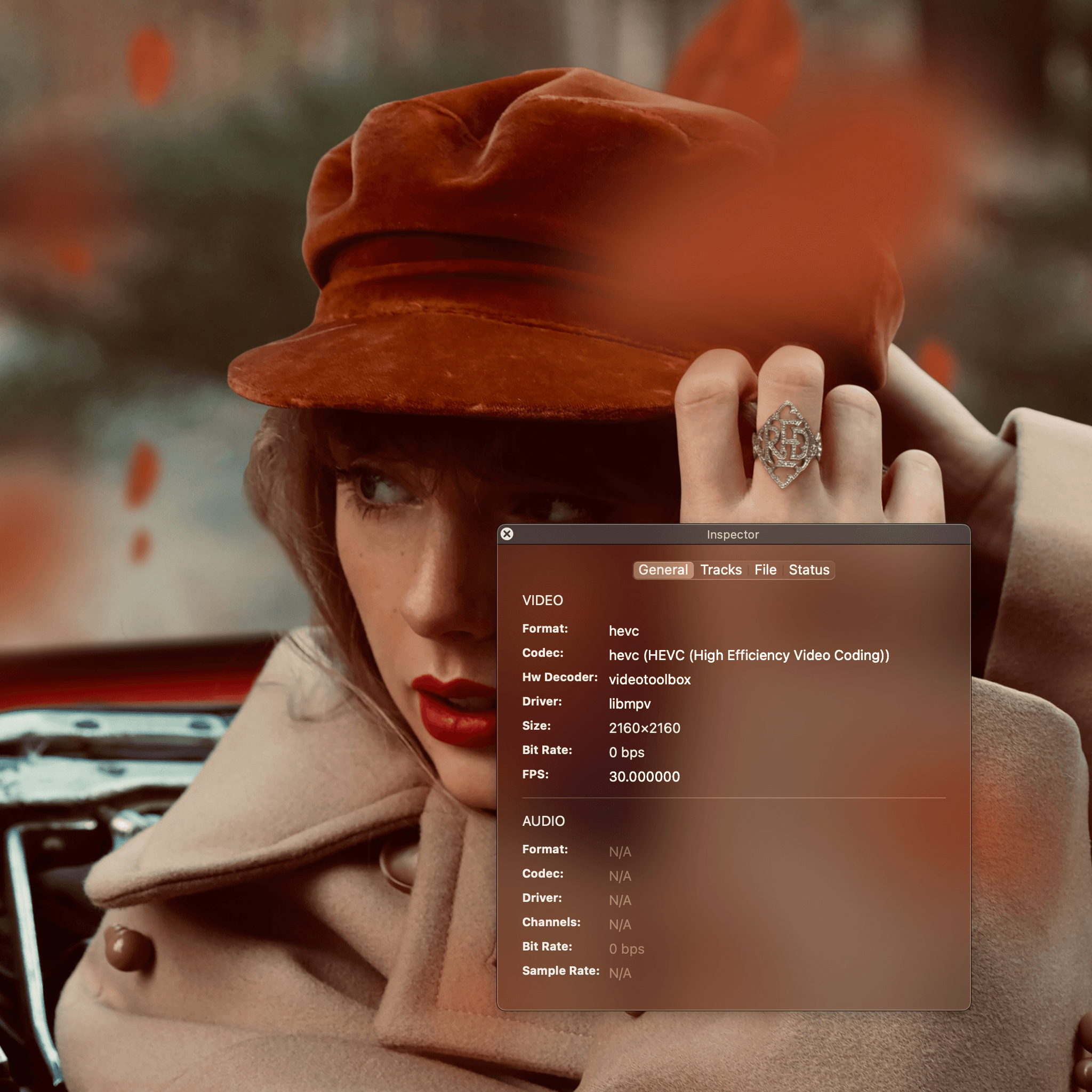
Apple Music's animated album covers are captivating, but there's no download button. Here's a quick guide to save them using your browser's developer tools.
1. Find the Video Source
- Navigate to an album with an animated cover on music.apple.com in your browser (e.g., Taylor Swift's Red (Taylor's Version)).
- Open your browser's developer tools (
Cmd+Opt+Ion Mac,Ctrl+Shift+Ion Windows/Linux). - In the "Console" tab, paste and run the following JavaScript snippet to get the video source URL:
document.querySelector('.editorial-video').src;
2. Download the Video
The command will return a URL ending in .m3u8. You can use one of the following methods to download it.
- Downie 4: Paste the
.m3u8URL into Downie to download the video directly. - ffmpeg: Use the following terminal command, replacing the URL with the one you copied.
ffmpeg -i "https://.../playlist.m3u8" -c copy output.mkv
This saves the animated cover as output.mkv without re-encoding, preserving the original quality.